Chip-On-Glas

EA DOG-Serie


  • Combine display and color
  • Power supply single +3.3V
  • Standard SPI / I²C bus interface
  • Long term availability
  • Extremely power friendly
  • Text 1x8..4x20
  • Graphic 102x64..240x128
COG - versatile displays as text and graphi with SPI and various backlights

Chip-on-glass LCD displays graphic and text, SPI, I²C

Displays according to your needs

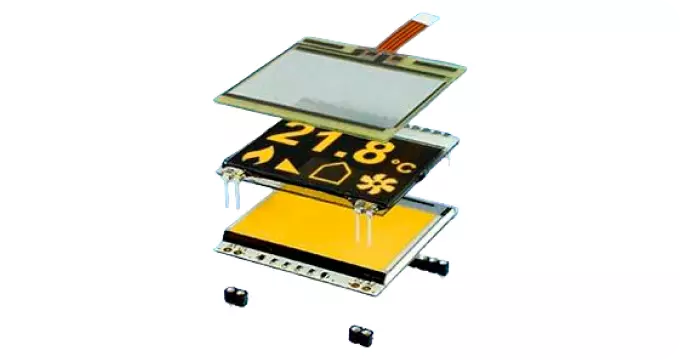
1. Select a display from 13 different sizes (text and graphics).

2. Combine it with different backligt colours

3. Add a touch panel if required

  • Graphic 1.7" to 3.9"
  • Text 1x8 to 4x20 characters
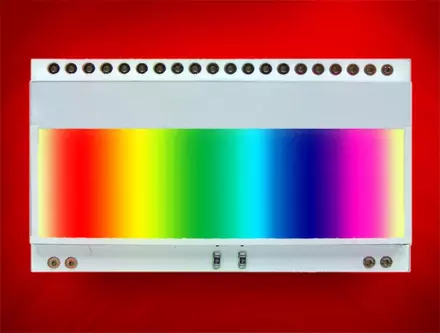
  • Backlight in white, yellow/green, blue, amber, RGB
  • SPI interface
  • I²C bus interface
  • 3,3V
  • low power from 150µA
  • with pins for mounting

All colour variants from 1 piece

There are currently 13 different display sizes available, all in STN transmissive and reflective, STN blue, FSTN positive and negative:

Text Displays

  • 1x8 characters with 11.97 mm font size (EA DOGM081-A)
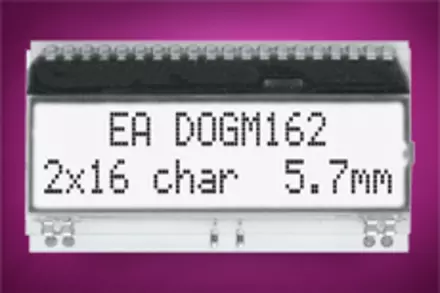
  • 2x16 characters with 5.57 mm font size (EA DOGM162-A)
  • 3x16 characters with 3.65 mm font size (EA DOGM163-A)
  • 4x16 characters with 3.2 mm or 2x16 / 6 mm (EA DOGS164)
  • 4x20 characters with 4.8 mm font size (EA DOGM204-A)
  • 4x10 characters with 2.6 mm or 2x10 / 4.5 mm (EA DOGS104)

Graphic Displays

  • 102x64 in 1.7" (EA DOGS102-6)
  • 132x32 in 2.1" (EA DOGM132-5)
  • 128x64 in 2.3" (EA DOGM128-6)
  • 128x64 in 2.8" (EA DOGL128-6)
  • 160x104 in 3.3" (EA DOGXL160-7)
  • 240x64 in 3.6" (EA DOGM240-6)
  • 240x128 in 3.9" (EA DOGXL240-7)
[Translate to Englisch:] COG Displays mit SPI als Farbvarianten ab 1 Stück
Ordering Code Type Data Sheet Controller Hint

Shop

EA DOGM081-A Text 1x8 Text displays ST7036   EA Shop
EA DOGM162-A Text 2x16   EA Shop
EA DOGM163-A Text 3x16   EA Shop
EA DOGS104-A Text 4x10/2x10 DOGS104-A SSD1803A also I²C New EA Shop

EA DOGS164-A

Text 4x16/2x16 DOGS164-A also I²C New

EA Shop

EA DOGM204-A Text 4x20 DOGM204-A also I²C New EA Shop
EA DOGS102-6 102x64 - 1.7" DOGS102-6 UC1701   EA Shop
EA DOGM132-5 132x32 - 2.1" DOGM132-5 ST7565   EA Shop
EA DOGM128-6 128x64 - 2.3" DOGM128-6 ST7565   EA Shop
EA DOGM240-6 240x64 - 3.6" DOGM240-6 UC1611s also I²C New EA Shop
EA DOGL128-6 128x64 - 2.8" DOGL128-6 ST7565   EA Shop
EA DOGXL160-7 160x104 - 3.3" DOGXL160-7 UC1610 also I²C New EA Shop
EA DOGXL240-7 240x128 - 3.9" DOGXL240-7 UC1611s also I²C New EA Shop

Simulation for Windows

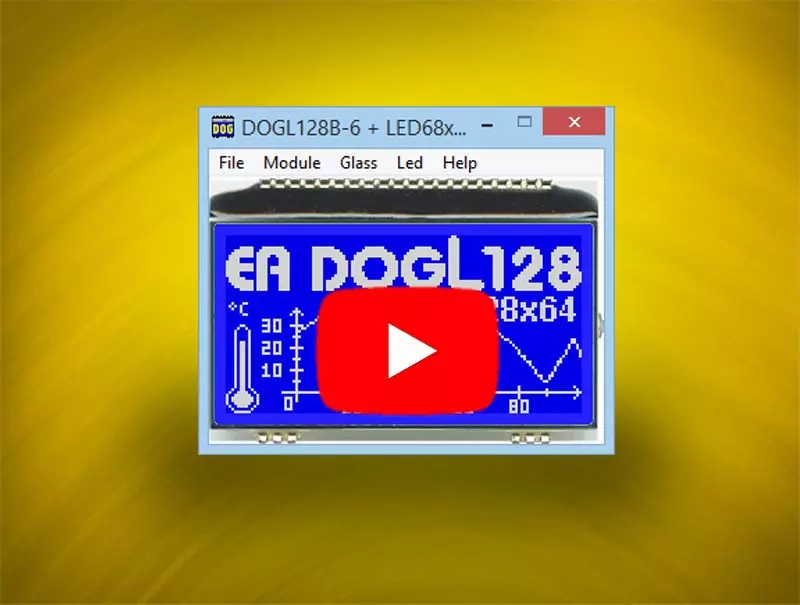
A great help for orientation in the "colour-jungle" the DOG-Simulator is an excellent tool: all displays (text and graphic) as well as all different backlight options can be simulated on screen. Free of charge!

more
Simulation for EA DOG Displays, Character and Graphic
See how to use the Windows simulator for EA DOG Displays, Character and Graphic

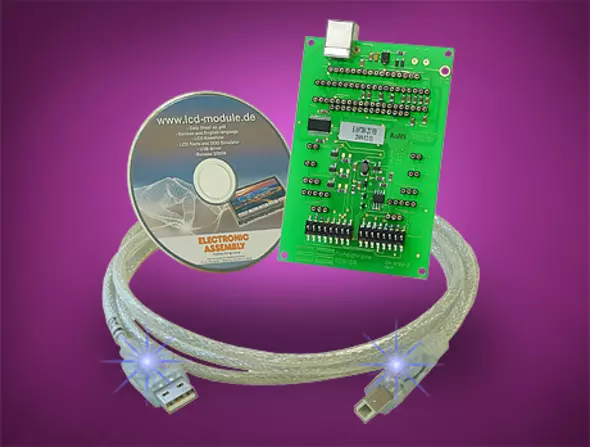
The test board EA 9780-4USB

The test board EA 9780-4USB adapt all display with its multiple sockets. Even all modules with and without backlight are supported.

The displays do show the individual text and pictures from simulator immediately - without any development action. In addition to that the backlight can be switched on and off. This makes possible a realistic test operation. Without the need to write software or to create any hardware adaptor. Immediately and as easy as ABC.

USB test board for EA DOG Displays, Text and Graphic

Arduino meets DOG

That's the easy way driving a display: the Arduino concept provides a very good base for such.

Some displays in EA DOG series we do support with all things to bring the display into operation with an Arduino Uno easyly: Sketches, Libraries, Documentation, EAGLE *.brd  and *.sch Files.

We also do provide non-assembled pcb boards.

Here you do find a table as an overview.

Arduino meets DOG

Character Set and Fonteditor

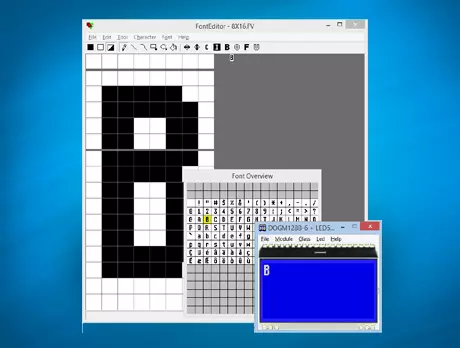
With the ordering code EA USBSTICK-FONT a memory stick comes with various character sets, especially made for displays from DOG series.
An import function allows additionally to use Windows fonts. With the FontEditor it is easy to generate for example Cyrillic, Greek and Arabic fonts. The preview function shows immediately the size and style in simulation window. When the testboard EA 9780-2USB is connected to the USB port, you can see the character (or any predefined text) live on the display which is plugged-in!

The export function generates a C- and Basic source code as an include file to your software.
Also included is a converter software for *.bmp files.

EA DOGS102W-6

FAQ - Questions and Answers About DOG Displays with SPI

Questions and brief, easy-to-understand answers about DOG displays with SPI

What sizes and colors are available for DOG Chip-On-Glass displays?

DOG Chip-On-Glass displays are available in 12 different sizes, making them ideal for a variety of applications. In addition, you can choose from a wide range of lighting options, including up to 7 different colors such as white, yellow/green, blue, amber, and RGB. This flexibility allows you to create up to 23 different combinations of display and lighting. The displays are flat and energy-efficient, making them particularly attractive for use in energy-efficient applications. The combination of different sizes and colors offers a customized solution for specific requirements.

How can I run a DOG display using an Arduino board?

Setting up a DOG display with an Arduino board is simple and made easier by comprehensive support. Sketches, libraries, and documentation are available to simplify the development process. In addition, EAGLE *.brd and *.sch files are provided to assist with integration. These resources allow you to quickly and efficiently integrate the display into your projects. The straightforward process demonstrates just how easy it can be to control a display, making the DOG series particularly attractive to developers.

What advantages does the DOG simulator offer when selecting displays?

The DOG Simulator is a valuable tool that helps you select the right combination of display and lighting. It allows you to simulate all available displays and lighting options on screen, which makes decision-making much easier. With the simulator, you can view the display of text and graphics in real time without additional development effort. This saves time and resources, as you can find the optimal solution for your specific requirements. The simulator is unique on the market and offers a user-friendly way to explore the variety of DOG displays.

What features does the EA 9780-4USB test board offer for DOG displays?

The EA 9780-4USB test board is a practical tool for testing DOG displays with and without backlighting. It allows you to simply plug in the modules and immediately display text or images from the simulator without the need for additional software or hardware. The backlight can also be switched on, enabling realistic test operation. This functionality makes the test board an indispensable tool for developers who want to test their displays before final integration. Ease of use and immediate operation are key advantages of this test solution.

What options are available for creating character sets for DOG graphic displays?

A range of character sets optimized specifically for the DOG graphic display series is available under the order code EA USBSTICK-FONT. These character sets are editable and expandable, offering a high degree of flexibility. A user-friendly font editor allows you to generate character sets from Windows fonts and even create Cyrillic, Greek, or Arabic character sets. The integrated font simulator immediately displays the final size and design, while the export function generates source code for C and Basic compilers. These features provide a comprehensive solution for customizing and creating character sets.

Why is DISPLAY VISIONS the best choice for DOG Chip-On-Glass displays with SPI?

DISPLAY VISIONS offers a wide range of DOG Chip-On-Glass displays with SPI, which stand out for their versatility and adaptability. With a selection of 12 different sizes and up to 7 backlight colors, customers can find the perfect solution for their specific needs. The unique DOG simulator and support for commissioning with Arduino boards make integration significantly easier. In addition, DISPLAY VISIONS offers comprehensive resources such as test boards and editable font sets to support the development process. This combination of product variety, user-friendliness, and technical support makes DISPLAY VISIONS the best choice for DOG displays.

Illumination

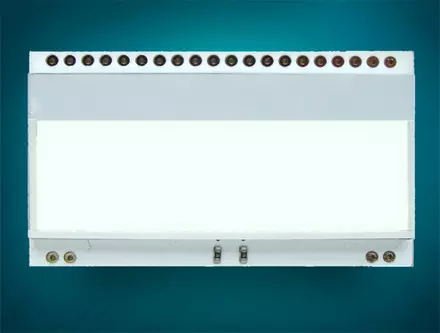
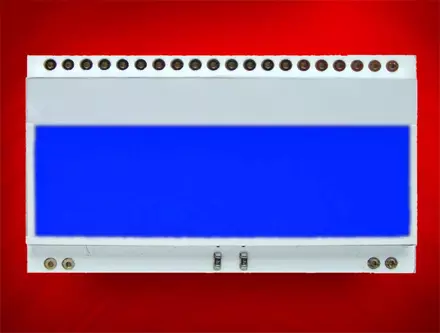
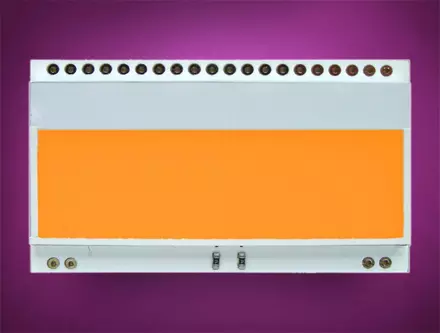
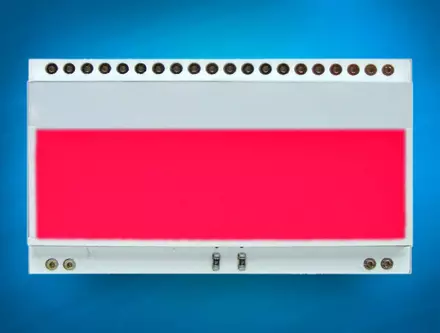
Simply clip the display and the backlighting unit together and you have up to 23 possible combinations.

Six different colors are available as backlighting:
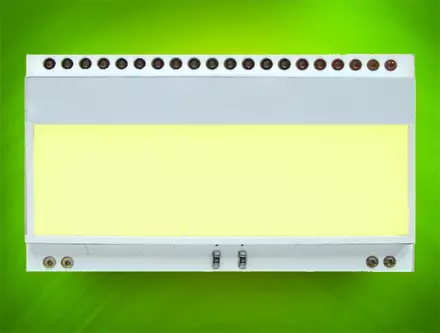
LED55x31-G

Yellow/Green

EA LED55x31-G

EA LED55x31-W

White

EA LED55x31-W

LED55x31-B

Blue

EA LED55x31-B

EA LED55x31-A

Amber

EA LED55x31-A

LED55x31-R

Red

EA LED55x31-R

LED55x31-RGB

Full colour

EA LED55x31-RGB

DOGM162W-W

STN positive

EA DOGM162W-A + EA LED55x31-W

Deutsch
Französisch