



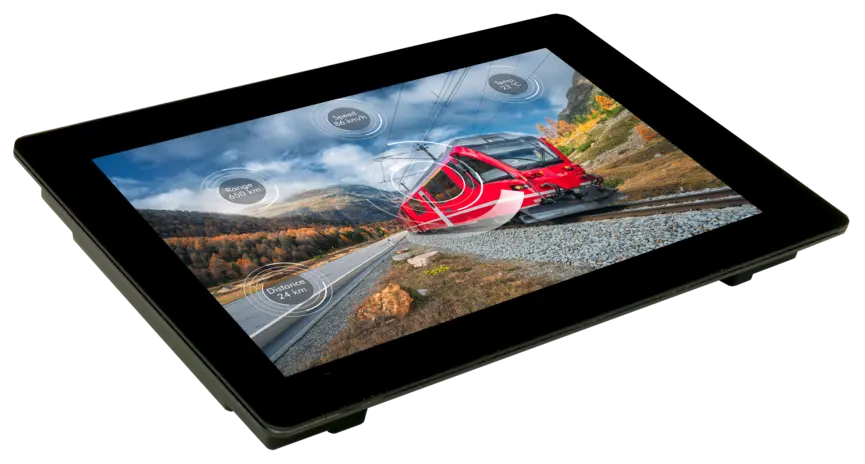
2.8" - 4.3" - 7" - 10" - 12" for Modbus RTU / TCP
Ready-to-use display (remote): brilliant, bright and with touch panel. With free WYSIWYG tool "HMI Designer" to create your individual screen pages via drag and drop. Link the corresponding Modbus registers with the various objects on the display and automatically receive the correct data on display.
The display supports communication with over 20 different PLC models, including Siemens Logo! (TCP), S7-200, S7-1200/1500, S7-300/400, Allen Bradley, Mitsubishi FX, Beckhoff, easyE4, Rockwell, Finder OPTA, Arduino, Schneider Electric Modicon, Teknic ClearCore and many more.
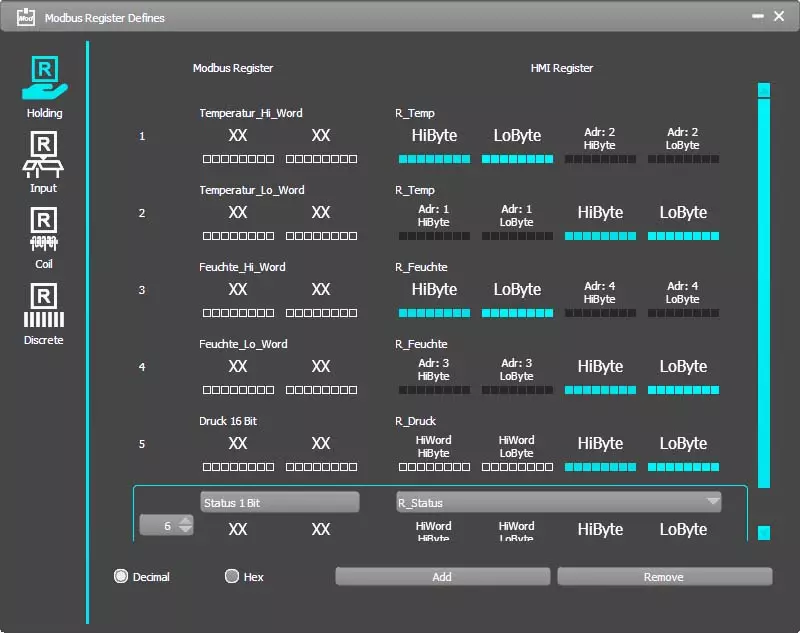
Freely definable register assignment
The Modbus display is configured as a slave. All Modbus registers can be freely assigned to texts, numbers, bar graphs, images, etc. Coil, discrete, input and holding are supported.
Even 32-bit float values can be elegantly transmitted for floating point calculations.
Texts can be stored as fixed texts or transmitted character by character.
Touch fields can be transmitted as "Discrete Input" or change a screen page directly.
Master or slave?
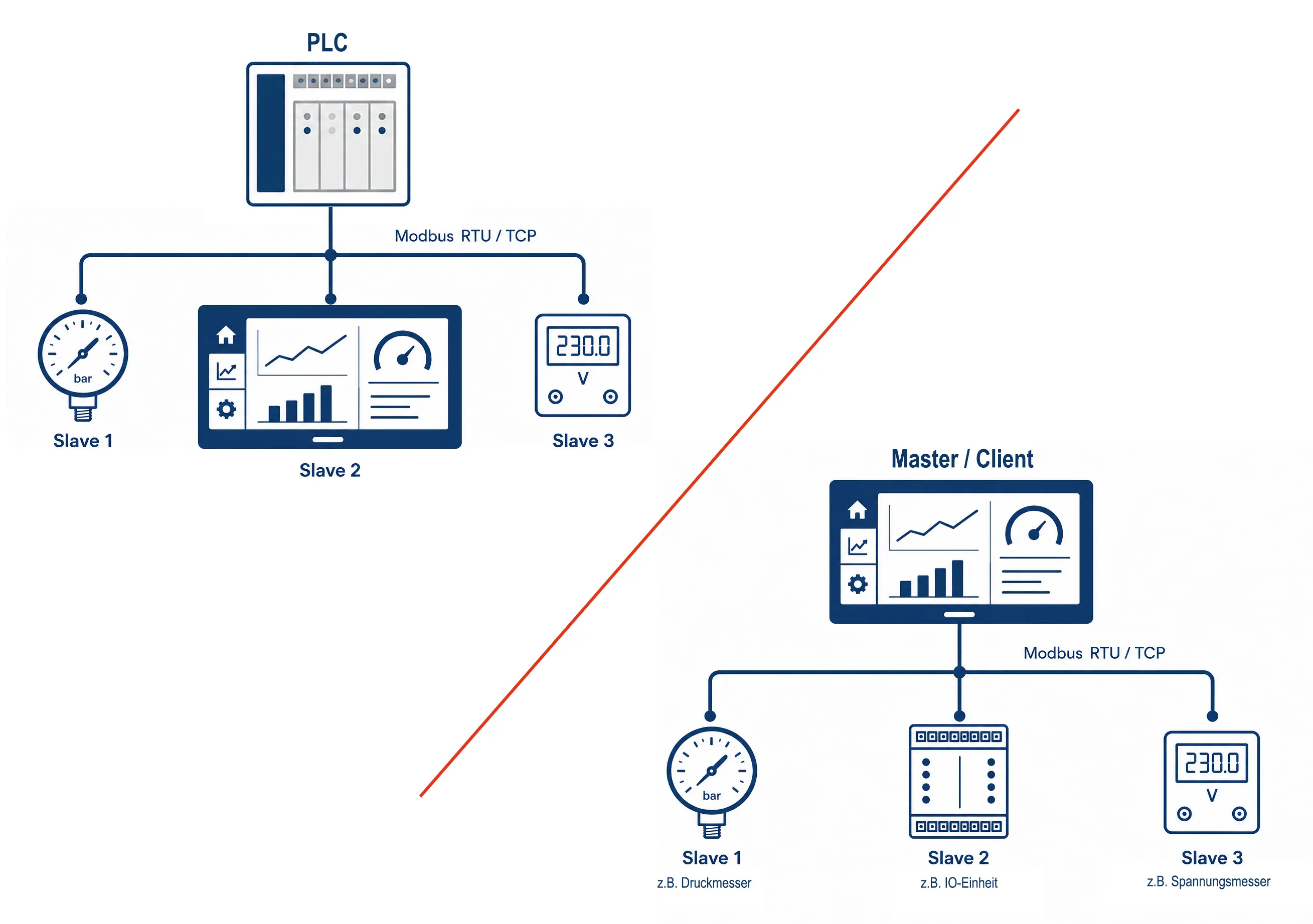
HMI units are usually integrated into a PLC system as slaves (or servers) (left).
If required, DISPLAY VISIONS’ HMIs can also completely replace the PLC and read out individual sensors directly. To do this, simply switch the display to master mode (or client mode); this not only makes the entire system significantly more streamlined but, above all, more cost-effective and easier to maintain. This is a particular advantage for small installations (right).
Wall mount or front panel?
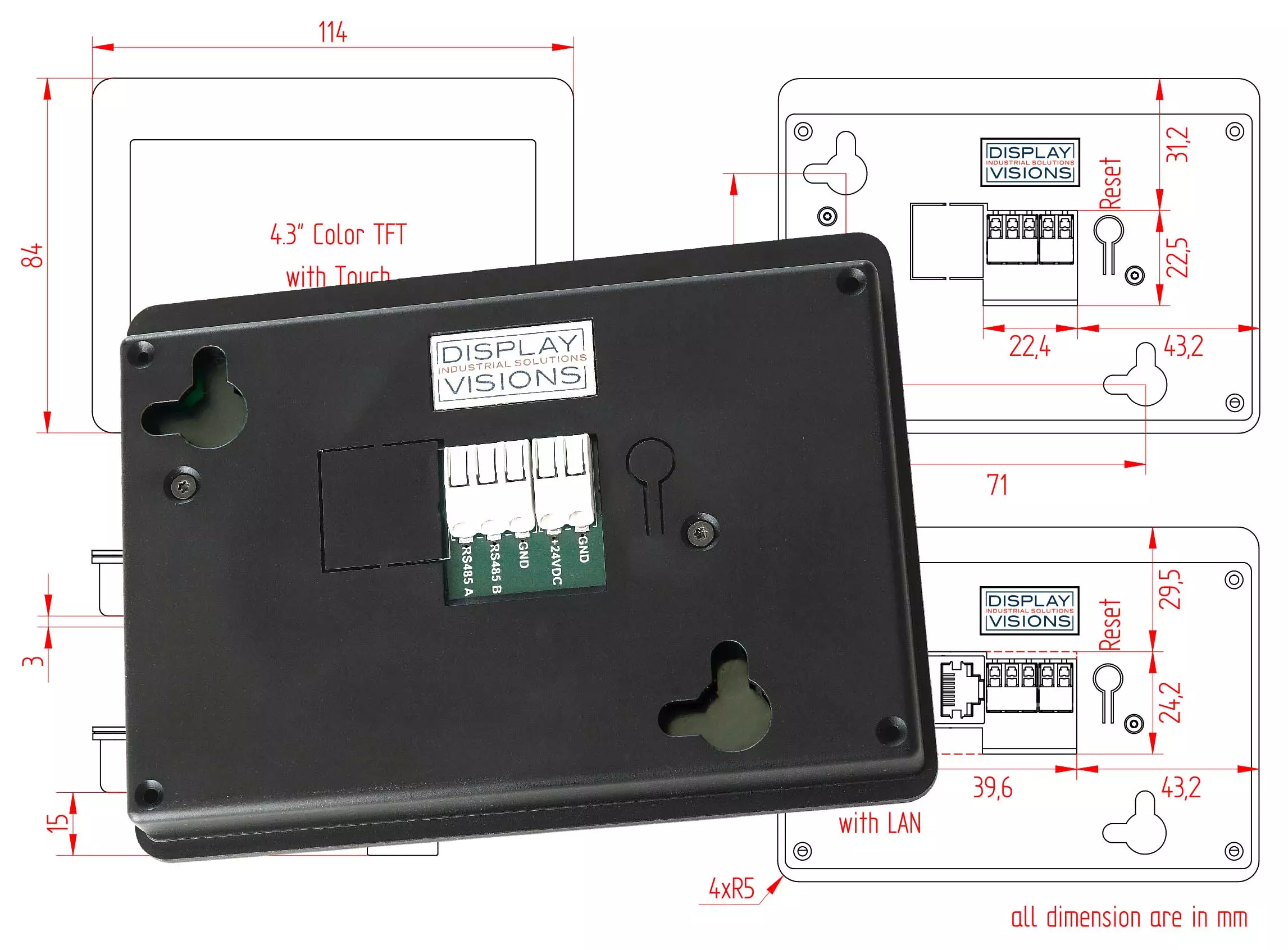
The displays in the HMI series can be mounted on the wall or in a front panel/door.
The connections are located on the rear; the cables for supply voltage and data are plugged in here without tools.
Affordable all-inclusive HMI - Modbus
This new display series consists of high-quality displays that can be easily integrated into any PLC system. At no extra cost, you get state-of-the-art displays for a wide range of applications – easy to integrate and brilliant in their display.
Choose from 5 different sizes – as a built-in solution or for wall mounting. All displays were developed and produced in Germany. Support includes a direct contact person from the development department at all times, including assistance with programming.
| Size | 2.8" | 4.3" | 7" | 10.1" | 12.1" |
| Resolution | 320x240 | 480x272 | 1024x600 | 1280x800 | 1280x800 |
| Dimension | 84x58 mm | 114x84 mm | 190x125 mm | 260x185 mm | 290x194 mm |
| Wall mount | yes | yes | yes | yes | yes |
| Integration | yes | yes | yes | yes | yes |
| Brightness | 1,000 cd/m² | ||||
| Viewing angle | 170° | ||||
| Touchpanel | yes, PCAP | ||||
| Glass surface | yes | ||||
| Power supply voltage | 12-24 V | ||||
| Display | High-resolution IPS display, optically bonded | ||||
Application examples for Siemens, Beckhoff, Rockwell...
Our touch panels in the HMI series can be connected directly to all Modbus masters. Modbus TCP and Modbus RTU are offered by many PLCs and small controllers from well-known manufacturers. We have picked out 3 different ones and present the connection and commissioning using examples here.
more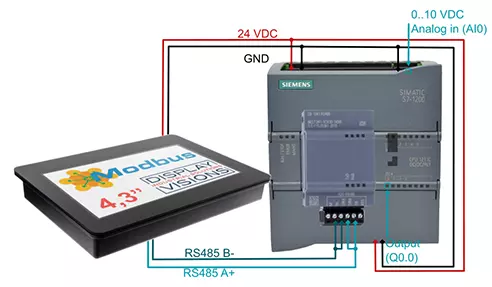
We can take over the HMI design on request
You sketch out your idea of the individual screen pages, provide us with images, logos and the corresponding Modbus register addresses, and we take over the implementation in the display.
To begin with, if you like, we are able to create a small test application for you free of charge so that you can concentrate fully on your core competences. As soon as you have the complete specification, we will be happy to calculate the implementation.
more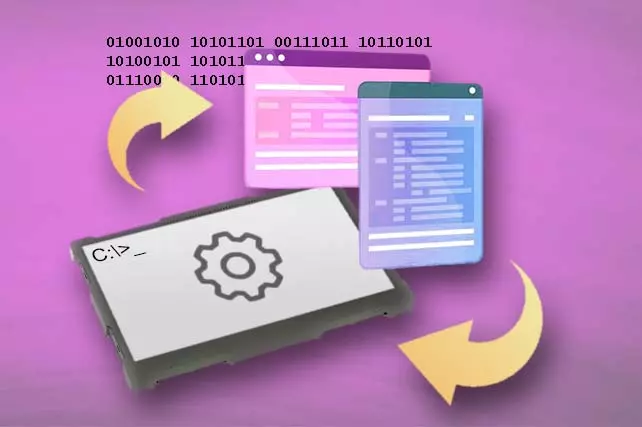
More HMI for integration with USB, RS-232, SPI, I²C
Powerful graphics functions for integration into devices with µC or embedded system.Incl. touch panel. Create your screen pages using a free WYSIWYG editor. Integrate elegant animations and connect sensors and actuators via various inputs and outputs.
1.5" - 2" - 2.8" - 3.5" - 4.3" - 5" - 7" - 10.1"
more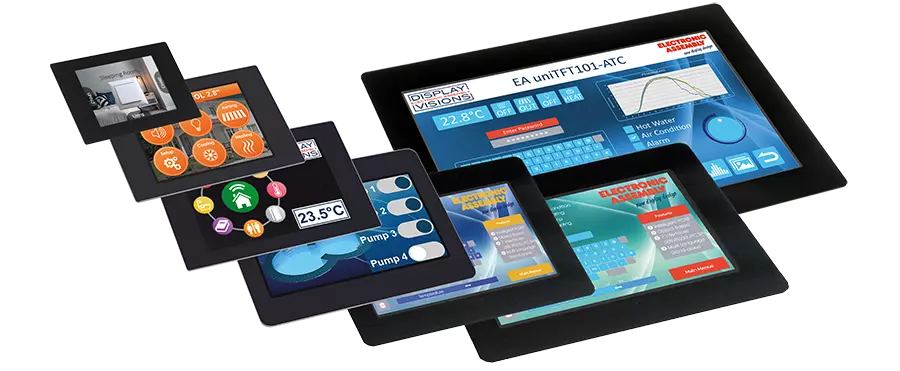
FAQ - Questions and Answers About HMI Displays with Modbus
How does the integration of HMI displays with Modbus into PLC systems work?
Which PLC models are compatible with the HMI displays?
What are the advantages of HMI displays with Modbus for remote monitoring?
What mounting options are available for HMI displays with Modbus?
What display sizes are available for the HMI displays with Modbus?
How can HMI displays with Modbus help improve cost efficiency?
Why is DISPLAY VISIONS the best choice for HMI displays with Modbus?

